Step-by-step user guide
Step 1
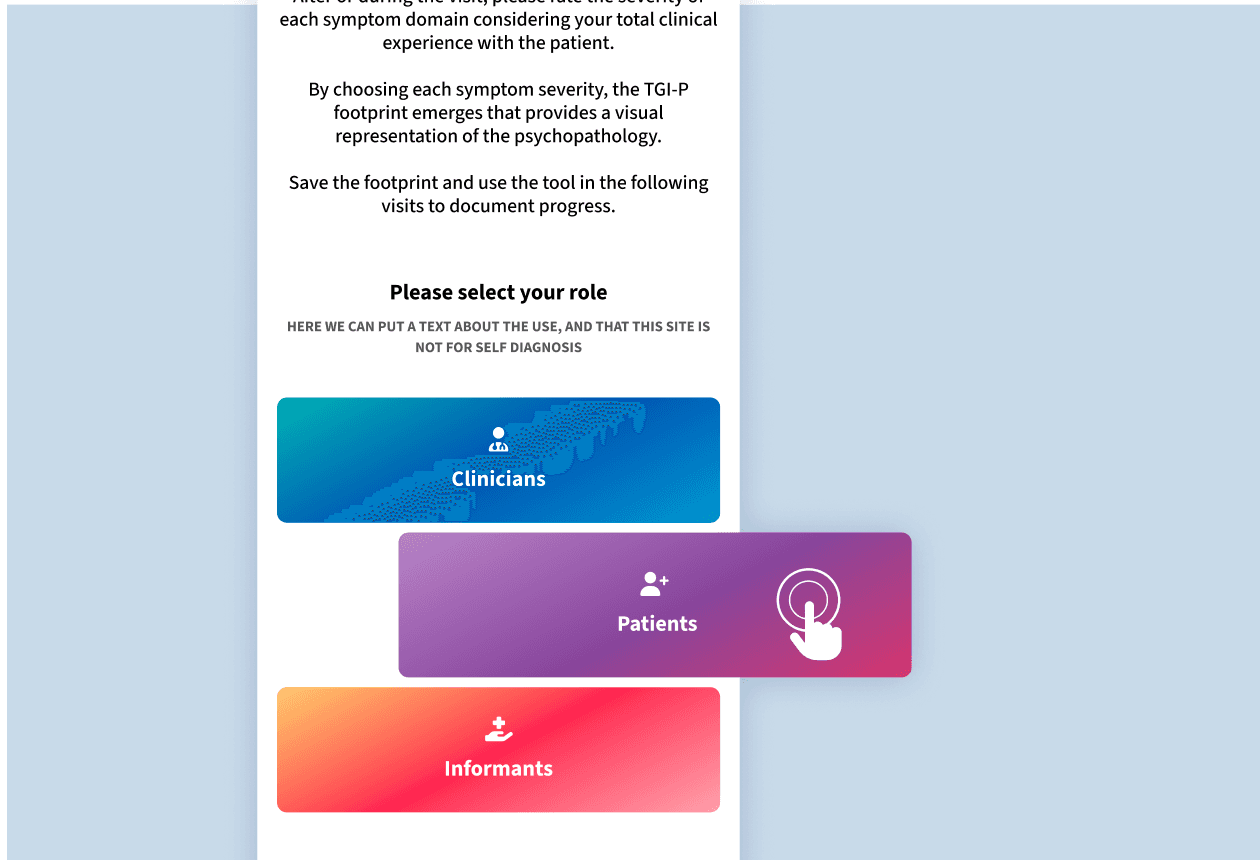
Please select your role to access the scales most relevant to you.
Step 2
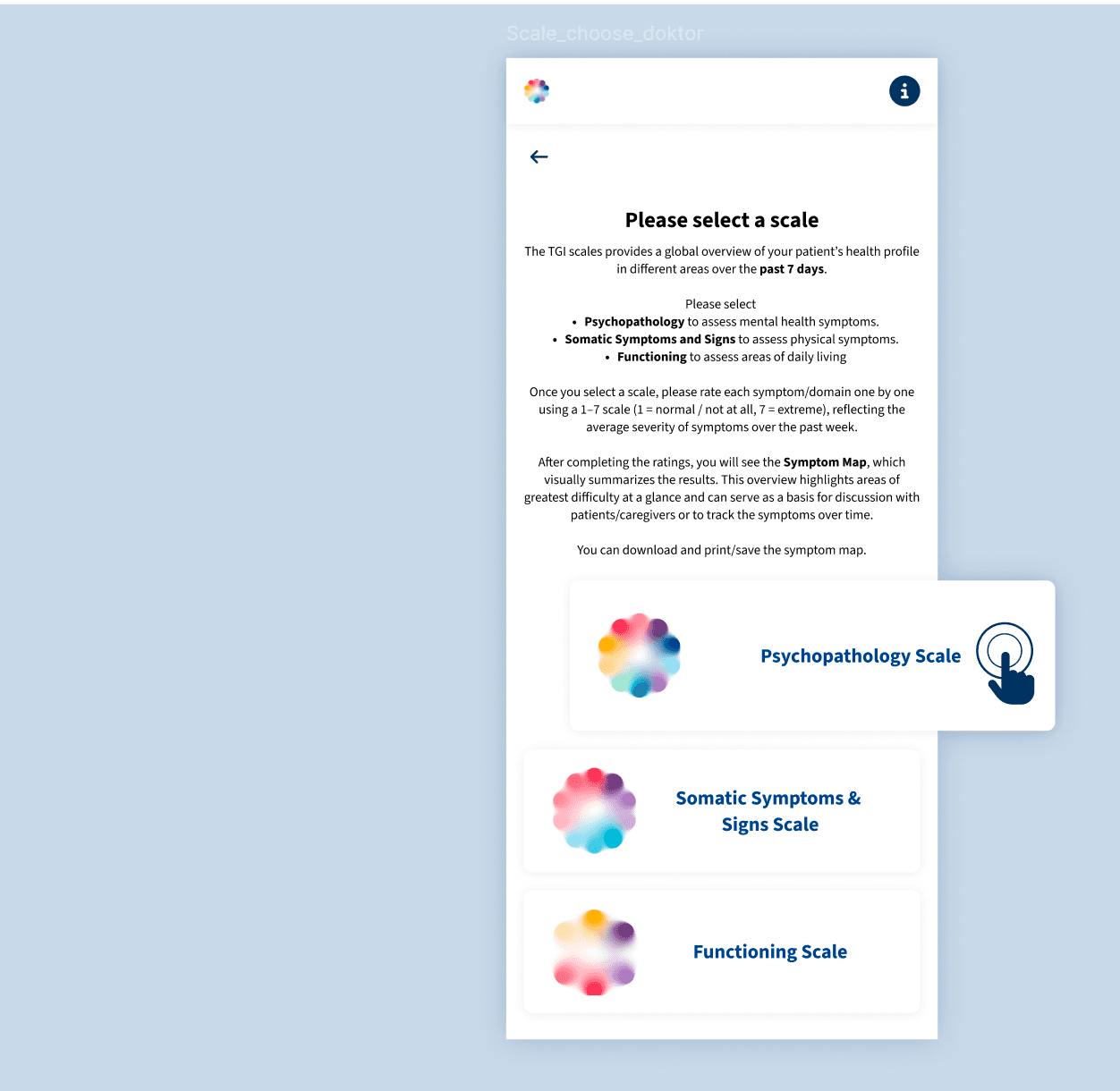
After selecting your role, you will see the scales available to you.
These assess different aspects of the clinical profile.
Select:
- Psychopathology – to assess psychiatric symptoms
- Somatic Symptoms and Signs – to assess physical symptoms and adverse events
- Functioning – to assess areas of daily living
In addition, patients have access to a Satisfaction scale to rate their satisfaction with treatment and overall quality of life. Caregivers will also see a Caregiver Burden scale, which assesses their own functioning and the level of burden experienced in relation to providing care.
Step 3
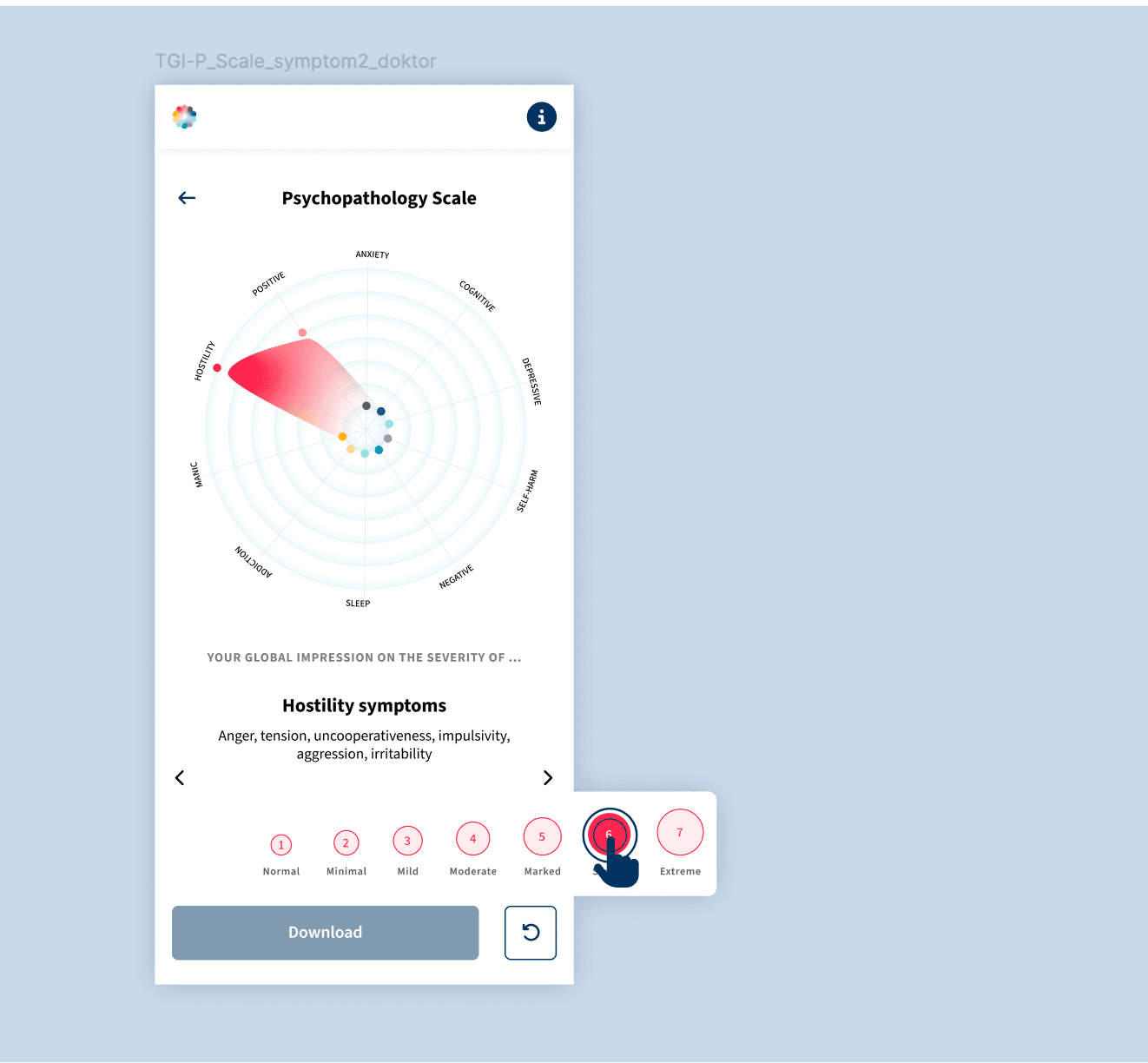
Once you select a scale, you will rate each item one by one using a 1–7 scale (1 = normal / not at all, 7 = extreme), reflecting the average severity over the past week. For the Satisfaction scale, ratings reflect your level of satisfaction (1 = very satisfied, 7 = very dissatisfied).
Step 4
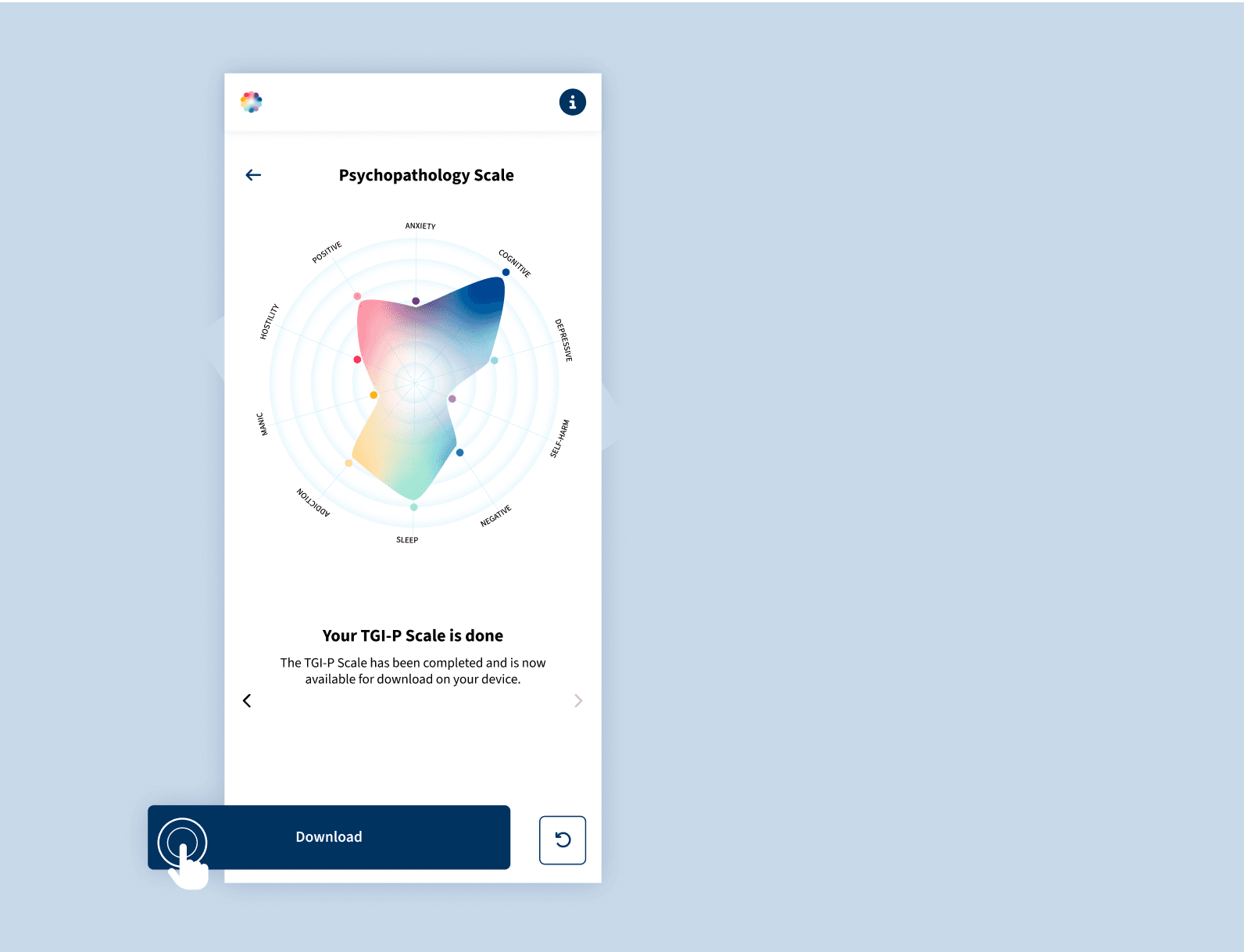
After completing the ratings, you will see a clinical map summarizing the results. This overview highlights areas of greatest difficulty at a glance and can support discussion among healthcare providers, patients, and caregivers.

Step 5
Once the rating is complete, you can save the clinical map to your device. Please note that results are not retained unless saved.